
HavenForge Companion App
A desktop companion for Darkhaven. Sync your save files to the armory, manage multiple characters, browse the game database, track your stats over time, and see who's streaming — all in one app.
Download
Built with Electron. Requires Windows 10+ or a modern Linux distro. Auto-detects your Darkhaven save directory on launch.
Character Manager
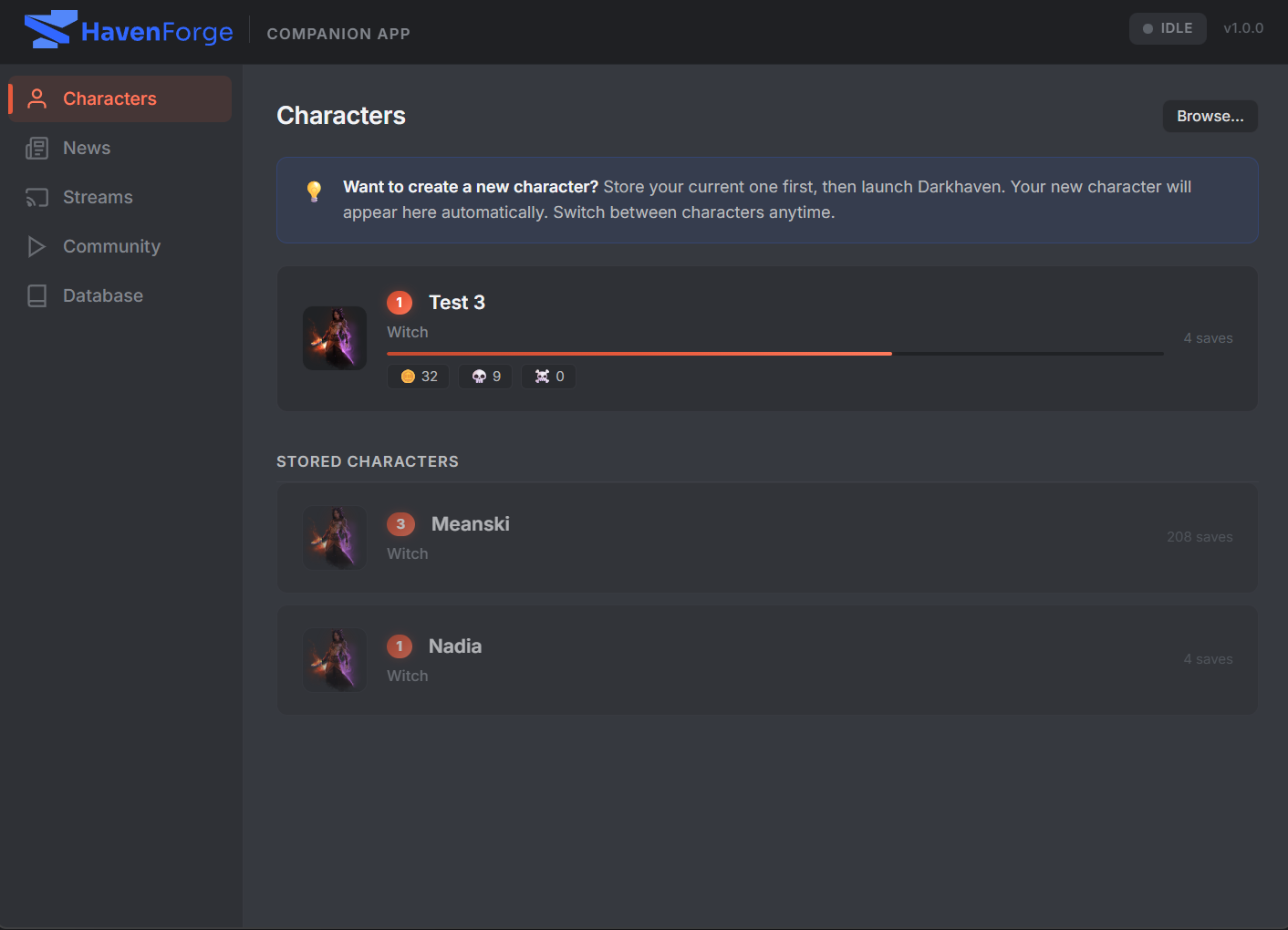
Automatically detects characters from your save directory. Store, switch between, back up,
and delete characters. Darkhaven only supports one active character at a time — the app
handles swapping for you, so you can maintain a roster.
Armory Sync
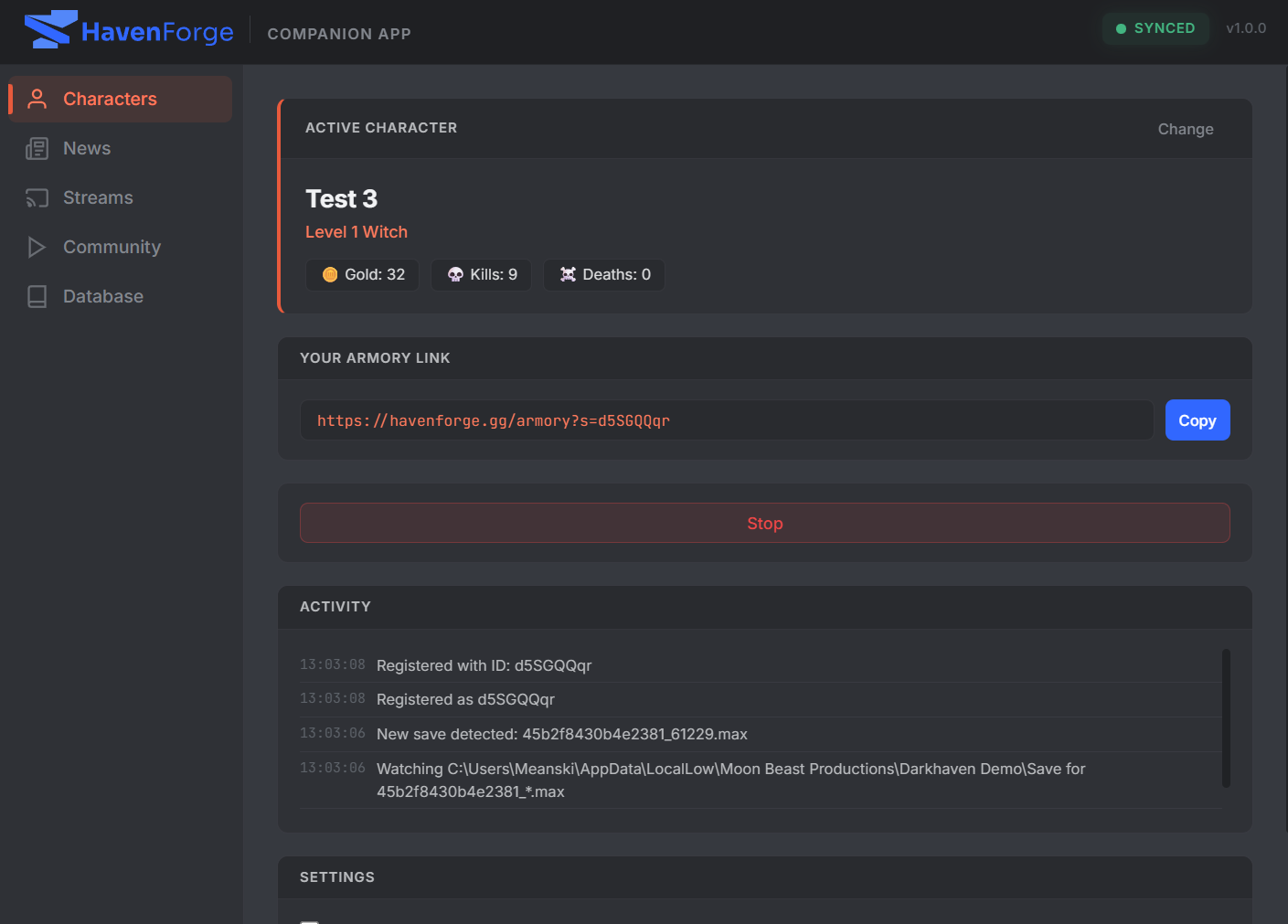
Watches your save directory for changes and uploads to HavenForge.gg in real time. Each
character gets a shareable armory link
that stays up to date as you play.
Database Browser
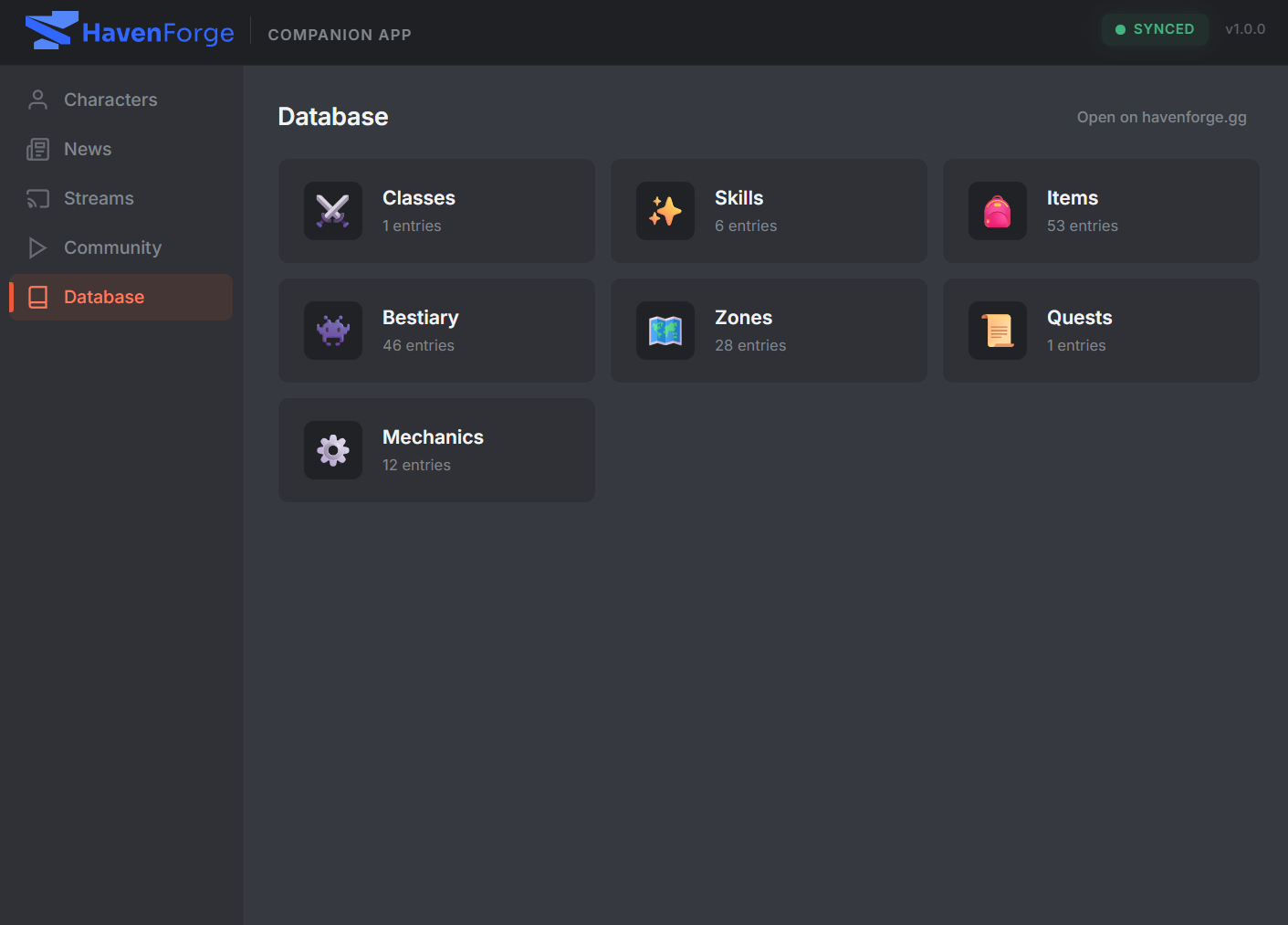
Searchable, filterable game database covering classes, skills, items, bestiary, zones,
quests, and mechanics. Data is fetched fresh from HavenForge.gg on each launch and cached
locally for offline use.
Live Streams
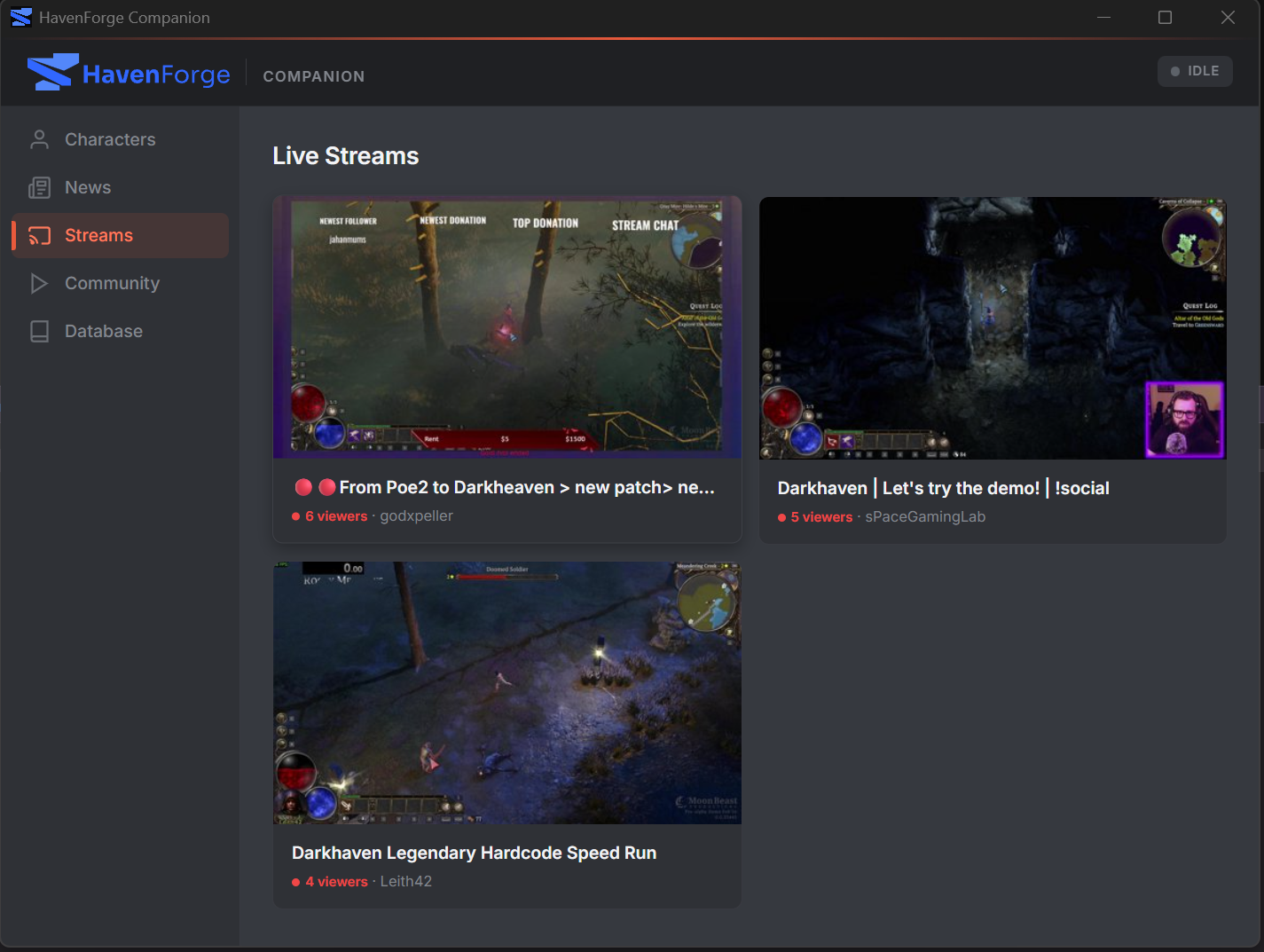
See who's currently streaming Darkhaven on Twitch. Click any stream to open it in your
browser. Powered by a server-side proxy — no API keys required on your end.
News
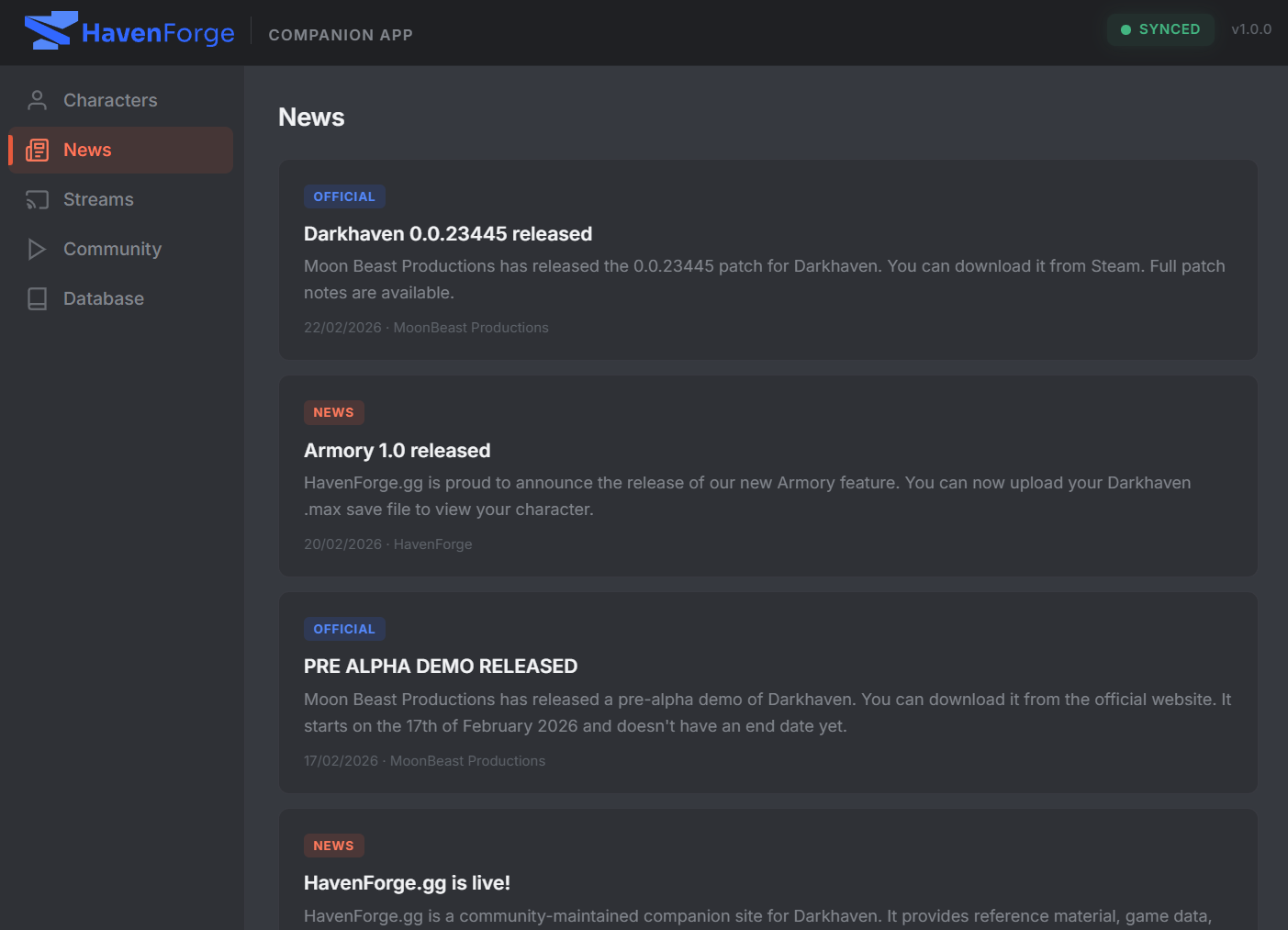
Latest Darkhaven news and patch notes pulled directly from HavenForge.gg.
Community Content
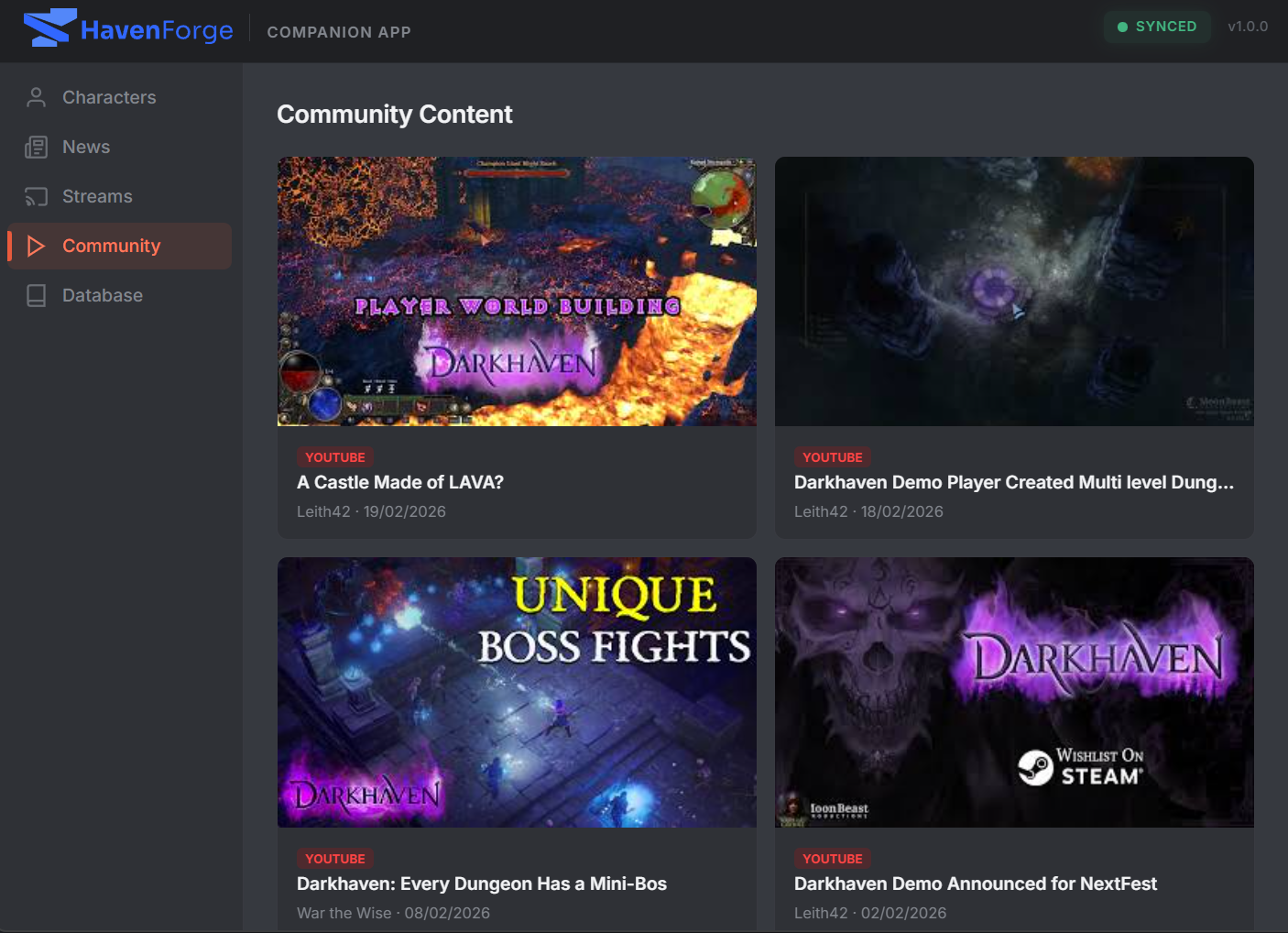
Curated Darkhaven videos and streams from the community on YouTube and Twitch.
How It Works
- 1 Launch the app. It auto-detects your Darkhaven save directory and lists your characters.
- 2 Select a character and start syncing. The app watches for save file changes and uploads automatically.
- 3 Share your armory link. Your character page at
havenforge.gg/armory?s=YOUR_IDupdates every time you save.
Default Save Paths
Windows
%LOCALAPPDATA%Low\Moon Beast Productions\Darkhaven Demo\Save Linux
~/.local/share/Darkhaven/Save